lecture5-version control and git
一、version control system
1、版本控制有什么用
版本控制,用于追踪变化、协同合作
- 这个模块是谁写的
- 这个特定文件的特定行什么时候被编辑、由谁编辑,为什么被编辑
二、git
学习git:从下到上,了解背后的核心概念,而不是只记住命令。
1、git's data model
snapshopts:
- file: blob
- directory: tree
tree将名称映射到blob或tree
modeling history: relating snapshots
历史是一个由快照组成的有向无环图,意味着git中的每个快照都引用了一组“父级”。
git中的提交是不可变的,就像现实中过去是不可变的,但错误是可以纠正的
data model, as pseudocode
| Text Only |
|---|
| // a file is a bunch of bytes
type blob = array<byte>
// a directory contains named files and directories
type tree = map<string, tree | blob>
// a commit has parents, metadata, and the top-level tree
type commit = struct {
parents: array<commit>
author: string
message: string
snapshot: tree
}
|
对象与内容寻址
object: blob, tree, commit
通过SHA-1 hash进行内容寻址
当一个对象引用其他对象时,实际上不是在磁盘中包含这些对象,而是通过哈希值引用。
references
为哈希值提供人类可读名称,引用是指向提交的指针。引用是可变的
master指向主分支中最新提交
HEAD指向我们当前所在的位置
Repositories
git repository is the data objects and references
2、staging area 暂存区
git通过暂存区这一机制,允许指定哪些修改应该包含在下一个快照里面。
3、git command-line interface
| Bash |
|---|
| # basic
git init #创建git仓库
git add <filename> #将文件添加到暂存区
git commit #创建新的提交
git log #显示扁平化的历史记录
git log --all --graph --decorate
git diff <filename> #显示相对于暂存区所做的更改
git diff <revision> <filename> #显示文件在快照之间的差异
git checkout <revision> #更新HEAD
# branching and merging
git branch #显示分支列表
git branch <name> #创建分支
git switch <name> #切换分支
git checkout -b <name> #创建一个分支并切换到该分支上
git merge <revision> #合并到当前分支
git mergetool #使用高级工具帮助解决合并冲突
git rebase #rebase set of patches onto a new base
# remotes
git remote #列出远程仓库
git remote add <name> <url> #添加远程仓库
git push #推送
git fetch #从远程获取对象/引用
git pull #same as git fetch; git merge
git clone #从远程下载仓库
# Undo
git commit --amend #编辑一次提交的内容/信息
git reset <file> #取消暂存一个文件
git restore #丢弃更改
# Advanced Git
git config #customize
git clone --depthe=1 #without entire version history
git add -p #交互式暂存
git rebase -i #交互式变基
git blame #显示每一行最后一次被谁编辑
git stash #暂时移除工作目录中的修改
git bisect #二分搜索历史
git revert #创建一个新提交,用于撤销之前某个提交的效果
.gitignore #指定不被追踪的文件
|
Exercises
1、阅读pro git的前几章
1-Pro git
2、clone本课仓库
| Bash |
|---|
| git clone git@github.com:missing-semester/missing-semester.git
#1. 图形化版本历史
git log --pretty=oneline --graph
#2. Who was the last person to modify README.md
git log -S README.md
#3. What was the commit message associated with the last modification to the collections: line of config.yml
git blame _config.yml
git show <>
|
3、从历史中删除文件
| Bash |
|---|
| git rm --cached <file>
vim .gitignore
|
4、clone some repository from GitHub, and modify one of its existing files. What happens when you do git stash? What do you see when running git log --all --oneline? Run git stash pop to undo what you did with git stash. In what scenario might this be useful?
| Bash |
|---|
| git clone <>
vim <>
git stash #临时保存(隐藏)一些修改
git stash pop #删除stash,显示隐藏的保存
git stash apply #恢复,同时保修stash
# 可以在有未暂存的东西,而又需要切换分支的时候用
|
5、创建别名
| Bash |
|---|
| git config --global alias.graph 'log --all --graph --decorate --oneline'
|
6、global ignore
| Bash |
|---|
| git config --global core.excludesfile ~/.gitignore_global
~
vim .gitignore_global
|
7、first contribution
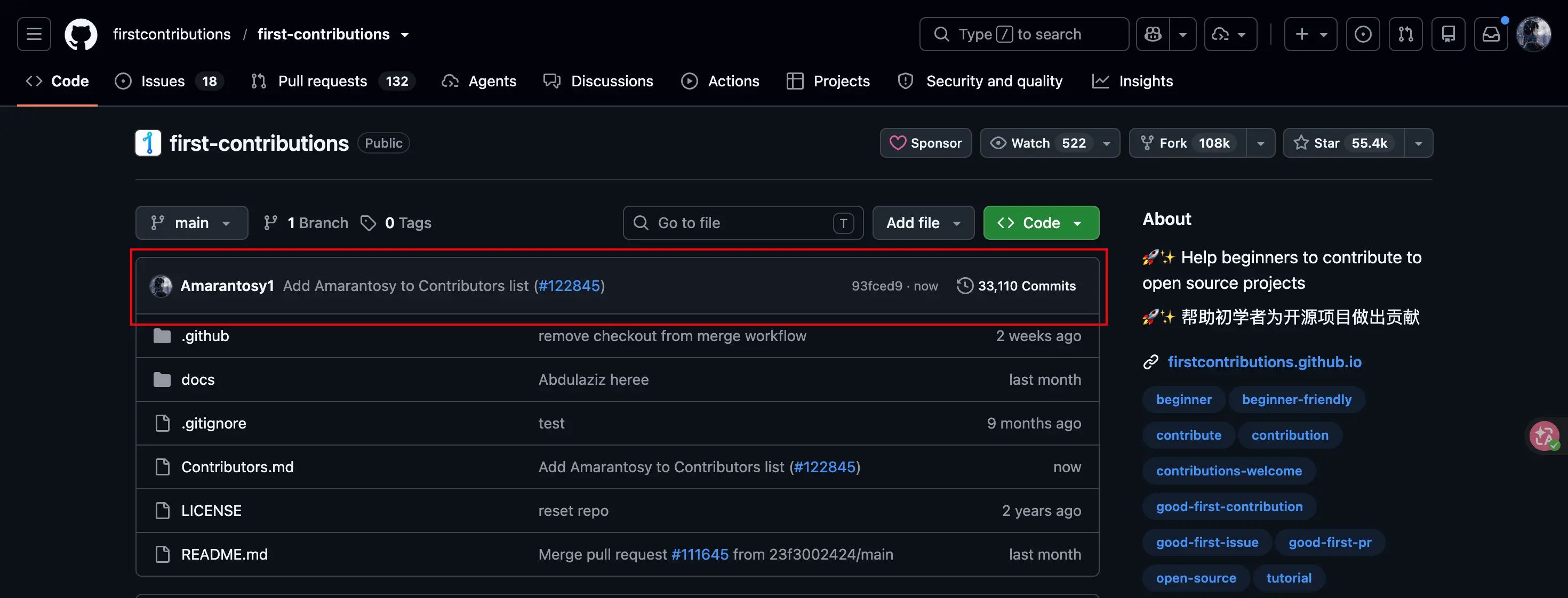
fork-clone-edit-add-commit-push-pr
8、模拟解决合并冲突
| Bash |
|---|
| git init
vim recipe.txt
git add -A
git commit
git chekout -b salty #create and switch to salty branch
vim recipe.txt #add one line
git add recipe.txt
git commit -m "add salty"
git checkout main #git switch main
git checkout -b sweet
vim recipe.txt #add one line different from salty
git add recipe.txt
git commit -m "add sweet"
git switch main
git merge salty
git merge sweet #conflict
git mergetool #GUI to solve conflict
|